How to Watch Live Sports with IPTV in 2026: Setup, 60 FPS Channels & Zero-Buffer Guide
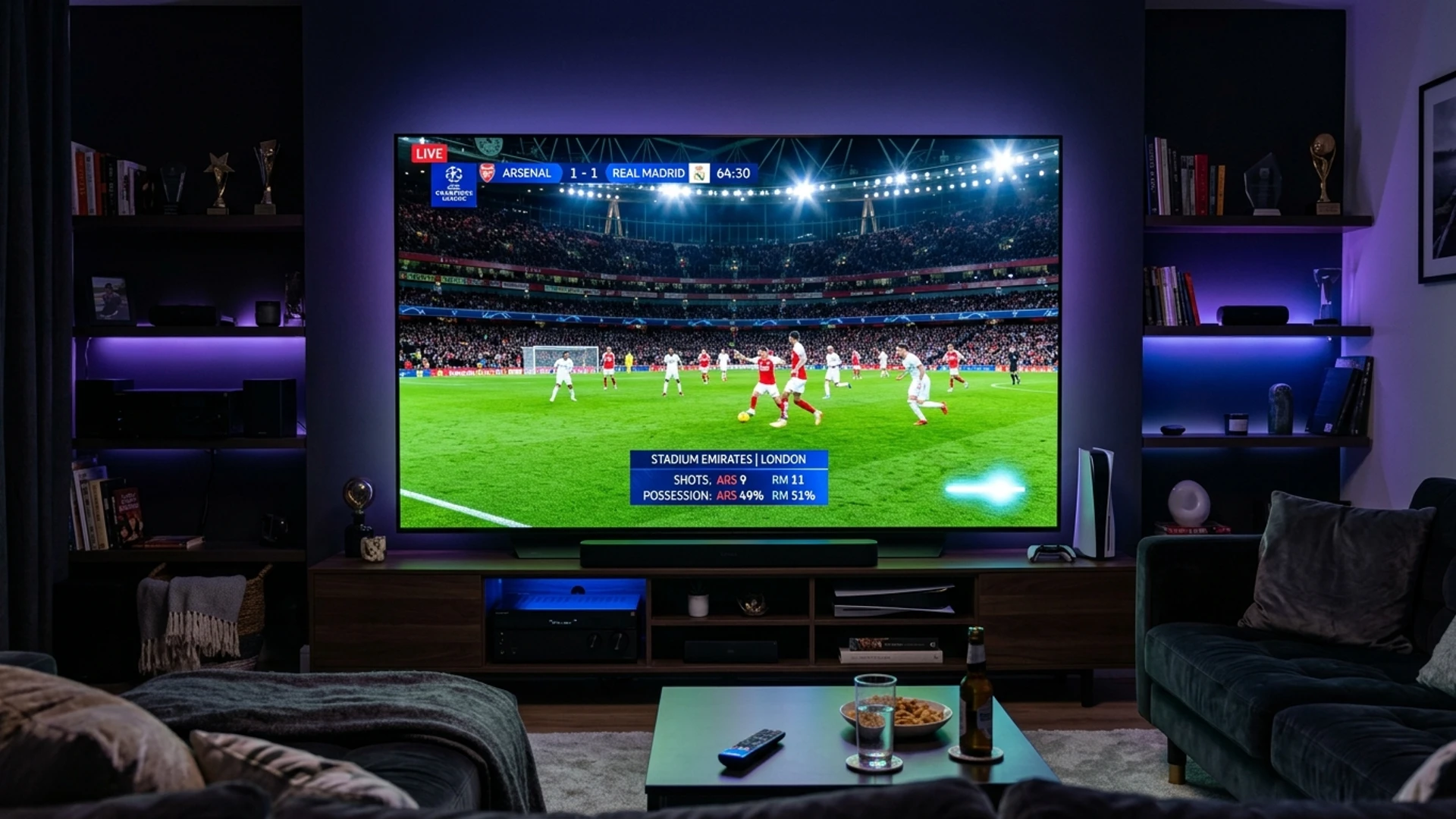
Live sports represent the pinnacle of television entertainment. Unlike pre-recorded drama series or movies, a live sporting event—whether it is a title-deciding Premier League derby, the Super Bowl, a Formula 1 Monaco Grand Prix, or a heated UFC championship bout—must be experienced in real time. Every pass, tackle, overtake, and knockout punch carries an intensity that evaporates the moment someone spoils the outcome on social media.
For decades, sports enthusiasts were held hostage by bloated traditional cable and satellite packages. Fans were forced to subscribe to multiple expensive sports add-ons, regional sports networks, and costly pay-per-view fees just to follow their favorite teams. Today, broadcast rights are more fragmented than ever, split across dozens of proprietary streaming apps that require individual monthly subscriptions.
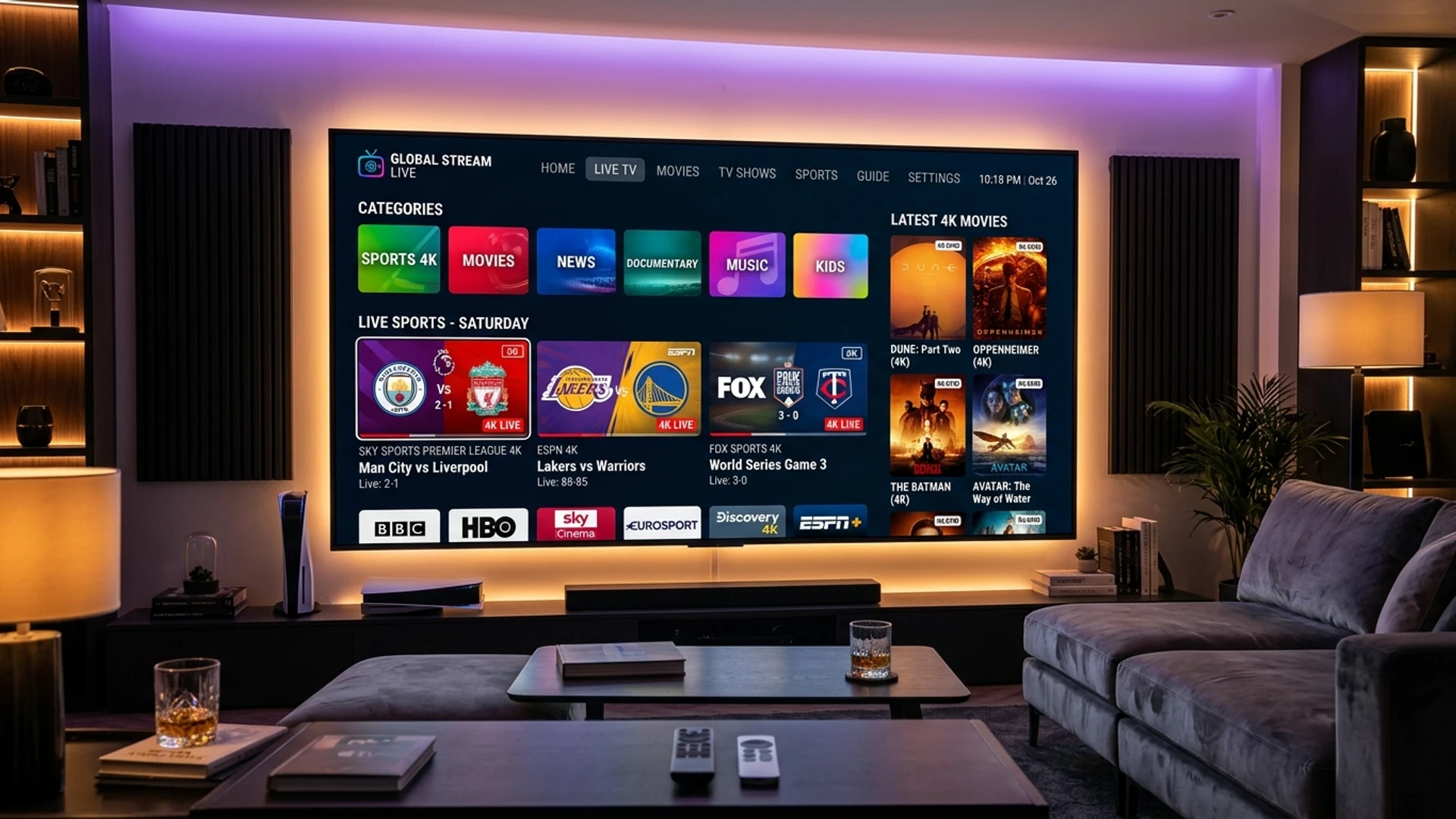
Internet Protocol Television has emerged as the definitive solution for modern sports fans. By consolidating global, national, and regional sports networks into a single, high-definition streaming service, IPTV provides unparalleled coverage of worldwide athletic competitions at a fraction of the cost of fragmented alternatives.
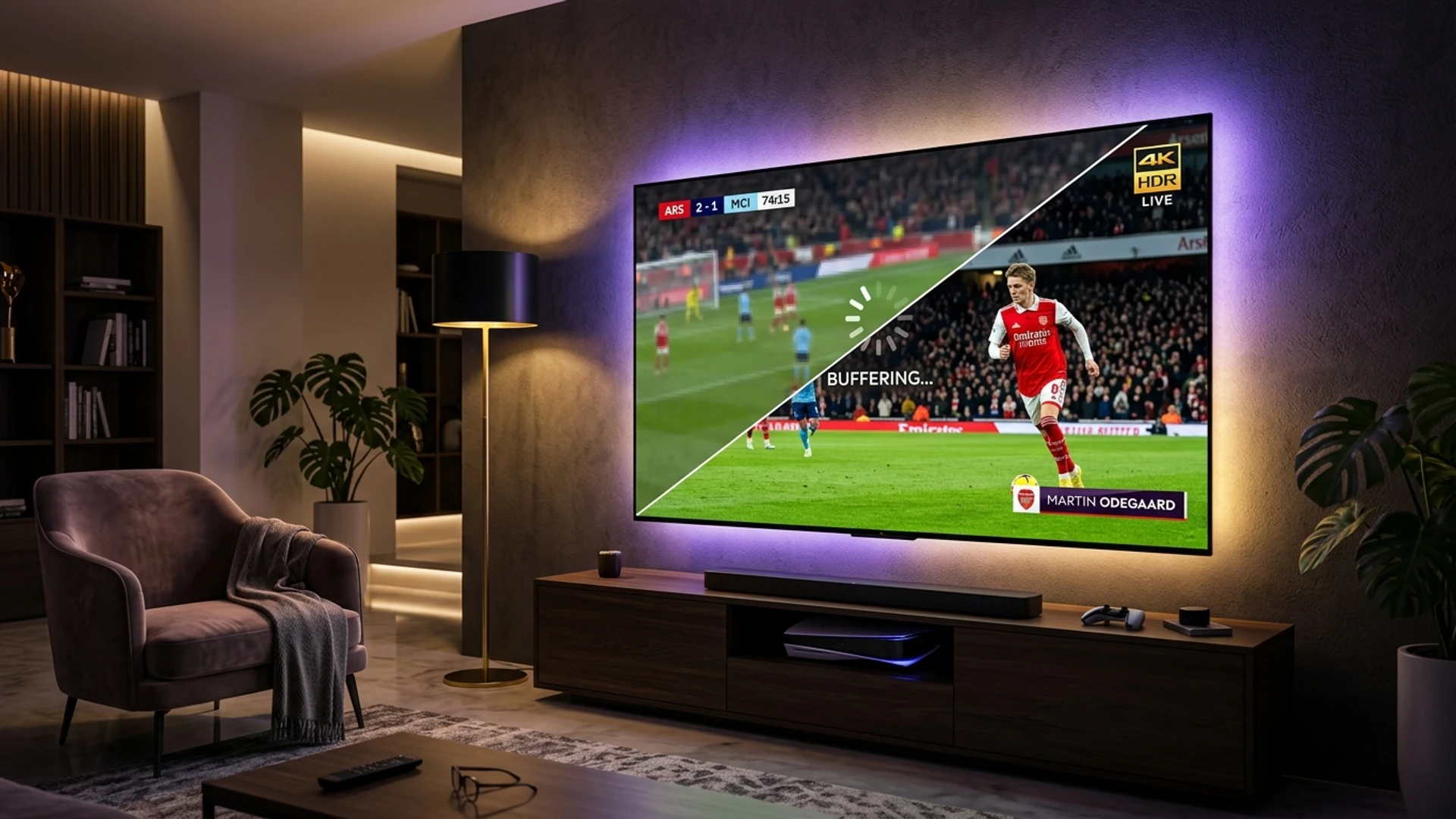
However, streaming live sports places immense demands on network infrastructure and playback hardware. Fast-paced camera pans require high frame rates (60 FPS), server infrastructure must withstand millions of concurrent viewers, and playback buffers must be tuned to prevent game-breaking freezing.
This comprehensive guide is the definitive playbook for watching live sports with IPTV in 2026. You will learn the technical requirements for crystal-clear sports streaming, how to set up your hardware for maximum motion smoothness, how to eliminate buffering during peak match-day traffic, how to master multi-screen viewing, and how to configure your electronic program guide so you never miss a kickoff.
Why Live Sports Streaming Differs From Standard Entertainment
Before diving into configuration, it is vital to understand why streaming a live sports match is technically far more challenging than streaming a movie on Netflix or watching a studio news broadcast.
Pre-Recorded VOD Streaming (Netflix / Prime):
[Cloud Video File] ──> [Pre-buffered 2 to 5 minutes ahead] ──> [Smooth Playback]

Live Broadcast IPTV Streaming:
[Live Stadium Camera] ──> [Real-Time Encoder] ──> [Transit Link] ──> [Instant Player Buffer]
                                                                             │
                                                                   (Only 2-4 seconds buffer!)
1. The Zero-Buffer Margin of Real-Time Delivery
When you watch a movie on an on-demand streaming service, the application buffers three to five minutes of video data into your device's memory ahead of your current playback position. If your home Wi-Fi drops connection for ten seconds, you never notice because the player simply burns through its pre-loaded buffer while re-establishing connection.
Live sports television cannot be pre-buffered minutes in advance because the action is happening live in the stadium at that exact second. An IPTV player typically maintains a razor-thin buffer of just two to four seconds. If incoming data packets are delayed by even three seconds due to network congestion, the buffer empties and the video freezes instantly.
2. High-Speed Motion and Frame Rate Demands (60 FPS vs. 30 FPS)
Standard television drama and cinema films are recorded and broadcast at 24 or 30 frames per second. This lower frame rate is visually acceptable for dialogue scenes and slow movements.
In sports, however, the camera pans rapidly across green grass, hockey ice, or asphalt tracks, tracking high-speed balls and rapidly maneuvering athletes. At 30 FPS, fast-moving balls appear to judder or produce motion-ghosting, and rapid camera pans cause visual disorientation.
A legitimate sports-grade IPTV service must broadcast sports feeds in 60 frames per second (60 FPS) or 50 FPS (European PAL standard). Broadcasting at 60 FPS doubles the number of individual frames transmitted every second, requiring significantly greater server encoding horsepower and higher continuous bandwidth throughput.
3. Massive Concurrent Surge Traffic (The "Peak Match" Phenomenon)
For ordinary entertainment channels, viewer viewership is evenly distributed throughout the day. In sports, viewership follows extreme parabolic spikes. Millions of viewers tune into the exact same channel at the exact same minute—such as kickoff in a Champions League Final or the opening bell of a boxing heavyweight clash.
Underpowered budget IPTV servers collapse under this surge traffic. A provider must possess distributed Content Delivery Network (CDN) edge clusters with dynamic load-balancing to absorb hundreds of thousands of concurrent connections without packet dropouts.
What Major Sports Can You Stream with IPTV?
A top-tier IPTV subscription like Wizard TV opens the door to virtually every major sporting league and tournament globally:
Global Football (Soccer)
- English Premier League (EPL): Every single match broadcast across Sky Sports, TNT Sports, NBC Sports, USA Network, and international 3:00 PM Saturday blackout feeds.
- UEFA Champions League & Europa League: Complete tournament coverage from qualifying stages through the final.
- Domestic European Leagues: La Liga (Spain), Serie A (Italy), Bundesliga (Germany), Ligue 1 (France), and domestic cup competitions (FA Cup, Copa del Rey, DFB-Pokal).
- International Tournaments: FIFA World Cup, UEFA European Championship, Copa América, and Africa Cup of Nations.
American Sports & Major Leagues
- NFL (National Football League): Complete season coverage including NFL RedZone, Sunday Ticket feeds, Thursday Night Football, Sunday Night Football, Monday Night Football, and the Super Bowl.
- NBA (National Basketball Association): Comprehensive access to national broadcasts (ESPN, TNT, ABC) and dedicated regional feeds for every team via NBA League Pass feeds.
- MLB (Major League Baseball): Full regular season coverage, MLB Extra Innings, and the World Series.
- NHL (National Hockey League): In-market and out-of-market games, NHL Center Ice feeds, and the Stanley Cup Playoffs.
- College Athletics (NCAA): Comprehensive college football, March Madness basketball tournaments, and conference networks (SEC Network, Big Ten Network, ACC Network).
Combat Sports (UFC, Boxing, WWE)
- UFC (Ultimate Fighting Championship): Every numbered Pay-Per-View (PPV) main card, preliminary fights, and UFC Fight Night events in high-bitrate 60 FPS.
- Championship Boxing: Global title fights broadcast via DAZN, TNT Sports Box Office, Sky Box Office, and international premium sports networks.
- Professional Wrestling: WWE (WrestleMania, Royal Rumble, SummerSlam) and AEW pay-per-views.
Motorsport, Tennis, Golf & International Athletics
- Formula 1 & MotoGP: Every practice session, qualifying shootout, and Grand Prix race broadcast with international commentary options and pit-lane telemetry feeds.
- Grand Slam Tennis: Australian Open, Roland Garros, Wimbledon, and US Open multi-court feeds.
- PGA & LIV Golf: Major championships (The Masters, PGA Championship, US Open, The Open Championship) and full-round coverage.
- Cricket & Rugby: ICC Cricket World Cup, Indian Premier League (IPL), Six Nations Rugby, and Rugby World Cup.
To browse our comprehensive sports channel lineup categorized by league and region, visit the Wizard TV Channels page.
Never Miss Another Goal or Knockout
Stream all major football leagues, NFL Sunday Ticket, NBA, F1, and UFC pay-per-view events in native 60 FPS 4K on Wizard TV. Zero buffering with anti-freeze servers.
Explore Sports IPTV PlansHardware and Setup Requirements for 60 FPS Sports
Achieving pristine, fluid sports playback requires pairing a capable streaming service with proper client hardware.
[Recommended Match-Day Streaming Hierarchy]
Tier 1: Apple TV 4K / NVIDIA Shield TV Pro  ──> (Gigabit Ethernet + 60Hz Display Auto-Sync)
Tier 2: Amazon Fire TV Stick 4K Max         ──> (Wi-Fi 6 / OTG Ethernet Adapter)
Tier 3: Modern Smart TV (LG / Samsung / Sony)──> (Direct Ethernet Cable)
1. Hardware Processor and Memory Benchmarks
Fast decoding of 60 FPS and 4K streams requires dedicated hardware video decoders:
- NVIDIA Shield TV Pro: The gold standard for sports streaming. Features an ultra-powerful Tegra X1+ processor, hardware AI upscaling, and built-in Gigabit Ethernet.
- Apple TV 4K: Powered by Apple's A15 Bionic chip, delivering instantaneous channel zapping, flawless 60 FPS motion rendering, and automatic tvOS frame-rate matching.
- Amazon Fire TV Stick 4K Max: An outstanding budget option equipped with a fast quad-core processor and Wi-Fi 6 connectivity.
- Hardware Warning: Avoid cheap generic "mini PC" Android boxes ($20–$30 unbranded TV boxes). They often rely on slow software video decoding that causes severe frame stutter during 60 FPS sports broadcasts.
2. Television Display Settings: Frame Rate and Motion Smoothing
To see true 60 FPS motion, your television settings must be properly adjusted:
- Disable Aggressive Motion Smoothing (The "Soap Opera Effect"): Features labeled "MotionFlow," "Auto Motion Plus," or "TruMotion" attempt to artificially interpolate frames. When viewing native 60 FPS sports, these post-processing filters create visual halo artifacts around fast-moving balls. Set motion smoothing to "Off" or "Custom (Minimal Judder Reduction)."
- Enable Match Content Frame Rate: In your player or streaming box settings, enable Auto Frame Rate Matching (AFR). This instructs your streaming hardware to adjust its HDMI output frequency to match the broadcast feed (e.g., switching to 59.94 Hz or 50 Hz automatically), eliminating micro-stutters during panning shots.
Eliminating Sports Buffering: The Network Stabilization Protocol
Buffering during a live penalty kick or crucial fourth-quarter drive is every fan's nightmare. Follow this network optimization protocol to bulletproof your connection before match day.
1. Prioritize a Physical Ethernet Connection
Wi-Fi is susceptible to radio interference and frequency throttling. A physical Cat6 Ethernet cable eliminates 95% of all streaming hiccups.
- If your television is located across the house from your router, deploy Powerline Network Adapters or a dedicated MoCA 2.5 coaxial adapter to create a hardwired link through existing home wiring.
- If using an Amazon Firestick, purchase the official Amazon Ethernet Adapter to connect directly to your local network.
2. Optimize Media Player Buffer Cache for Sports
In standard entertainment, a small buffer provides snappy channel zapping. For live sports, a larger buffer provides an indispensable safety net. Inside your player (e.g., TiviMate or IPTV Smarters Pro):
- Navigate to Settings > Playback.
- Locate the Buffer Size option.
- Change the buffer from Normal to Large (5 to 8 seconds).
- Why this works: A 5-second buffer absorbs momentary ISP throughput drops or Wi-Fi packet retries without freezing the video frame.
3. Rule Out ISP Sports Throttling with a WireGuard VPN
Internet service providers are acutely aware of when major sporting events occur. During high-traffic events, certain ISPs deploy automated bandwidth management algorithms that throttle high-bitrate media streams.
- The Solution: Install a high-speed VPN on your streaming device.
- Protocol Selection: Use the WireGuard protocol rather than OpenVPN. WireGuard features a streamlined codebase that delivers up to 300% faster throughput with virtually zero latency overhead.
- Server Choice: Connect to a VPN server geographically close to your home to minimize transit ping. Once connected, your ISP cannot inspect your traffic, completely bypassing sports-related throttling.
Multi-Screen and Multi-View Setup: Watch Multiple Matches Simultaneously
One of the most revolutionary features of modern IPTV is Multi-View. On busy match days—such as Champions League group-stage evenings or NFL Sunday afternoons—multiple high-stakes games take place concurrently.
┌───────────────────────┬───────────────────────┐
│                       │                       │
│     Match 1 (EPL)     │     Match 2 (La Liga) │
│       [Audio Focus]   │                       │
├───────────────────────┼───────────────────────┤
│                       │                       │
│     Match 3 (NFL)     │     Match 4 (F1)      │
│                       │                       │
└───────────────────────┴───────────────────────┘
With advanced IPTV players like TiviMate or IPTVX, you can divide your single large television screen into a 2-screen, 3-screen, or 4-screen grid:
- Open a live sports channel in your player.
- Long-press the center select button to bring up the on-screen playback menu.
- Select Multi-View or Add Screen.
- Choose an additional sports channel from your channel guide.
- Cycle your audio focus between screens with a single press of your remote's directional pad.
Important Subscription Requirement: Running a 4-screen multi-view grid requires four active stream connections. Attempting to run multi-view on a single-connection account will cause streams to conflict and freeze. Ensure you subscribe to a Multi-Connection Plan on the Wizard TV Pricing page to support concurrent multi-screen playback.
Comprehensive League-by-League Streaming Guide: Channels and Schedules
To maximize your sports viewing experience, it helps to know which specific broadcast channels and regional feeds carry each major sporting competition.
[Global Sports Broadcast Architecture]
├── Premier League ──> Sky Sports Main Event (UK), TNT Sports (UK), NBC/USA (US), Optus (AUS)
├── Champions League ─> TNT Sports (UK), CBS Sports Network (US), Canal+ (FR), Movistar (ES)
├── NFL Sunday ───────> CBS/FOX Local Affiliates, NFL RedZone, ESPN Monday Night, NBC Sunday
├── NBA Basketball ───> ESPN, TNT, NBA TV, Regional Sports Networks (Bally/NESN/Altitude)
├── Formula 1 ────────> Sky Sports F1 (UK), ESPN (US), F1 TV International Feeds
└── UFC / Boxing ─────> TNT Sports Box Office, ESPN+ PPV Feeds, DAZN International
1. English Premier League & Domestic European Football
The English Premier League is the most-watched sporting league on Earth. However, domestic broadcasting rights in the United Kingdom are intentionally fragmented across Sky Sports, TNT Sports, and Amazon Prime, with domestic Saturday 3:00 PM matches completely blacked out from UK television screens.
With a global IPTV subscription, you bypass these artificial restrictions:
- UK Broadcasts: Sky Sports Premier League and TNT Sports 1/2 provide studio punditry, pre-match tactical analysis, and 50 FPS broadcast feeds.
- North American Feeds: NBC, USA Network, and Peacock feeds broadcast matches in 1080p 60 FPS with English commentary.
- Saturday 3:00 PM Blackout Solutions: International networks—such as Optus Sport (Australia), SuperSport Premier League (South Africa), and fuboTV/TSN (Canada)—broadcast all concurrent 3:00 PM kickoff fixtures simultaneously. You can flip between every match or watch them side-by-side using Multi-View.
- European Competitions: For La Liga (Spain), tune to Premier Sports (UK) or ESPN Deportes. For Serie A (Italy), watch TNT Sports or CBS Sports Golazo Network. For the Bundesliga (Germany), stream via Sky Sport Bundesliga or ESPN+.
2. NFL (National Football League) & American Football
American football requires substantial bandwidth due to high-contrast stadium lighting, dynamic on-screen graphics, and rapid play bursts.
- NFL RedZone: The undisputed crown jewel of sports television. Hosting seven hours of commercial-free, whip-around coverage of every Sunday afternoon touchdown, RedZone is a must-watch channel for fantasy football and general NFL fans. Ensure you stream the native 60 FPS 1080p or 4K feed for seamless action.
- Sunday Regional Games: Because games are geographically split between CBS and FOX affiliates, Wizard TV organizes local CBS and FOX network feeds by major metropolitan market (e.g., FOX New York, CBS Dallas, FOX Los Angeles), allowing you to watch your hometown team regardless of where you live in the world.
- Primetime Matchups: Thursday Night Football, Sunday Night Football (NBC), and Monday Night Football (ESPN/ABC) are broadcast in crisp 1080p 60 FPS feeds with multi-channel surround sound.
3. NBA (National Basketball Association)
Basketball features rapid transitions, fast breaks, and high-frequency rim action that suffers terribly on low-framerate streams.
- National Broadcasts: Games on ESPN, TNT, and ABC deliver premium 60 FPS production with dedicated halftime shows.
- Regional Sports Networks (RSNs): Cable providers have largely dropped regional sports networks, leaving local fans unable to watch their home teams. Wizard TV maintains direct feeds for all major regional sports networks—including YES Network (New York), NESN (Boston), Bally Sports regional networks, and Spectrum SportsNet (Los Angeles).
- NBA League Pass Feeds: Every single out-of-market matchup is available with both Home and Away commentary audio options.
4. Formula 1 & World Motorsport
Motorsport requires exceptional frame rate fidelity; watching an F1 car corner at 200 mph looks terrible at 30 FPS.
- Sky Sports F1 HD & 4K: The benchmark for global Formula 1 broadcasting, offering comprehensive weekend coverage including Practice 1, 2, and 3, Qualifying, F1 Sprint races, and the Grand Prix.
- Dedicated On-Board Feeds: Many events include dedicated driver on-board camera feeds, allowing you to follow drivers like Max Verstappen, Lewis Hamilton, or Charles Leclerc from cockpit cameras while monitoring pit-lane radio telemetry.
5. Combat Sports: UFC Pay-Per-Views & Championship Boxing
Combat sports broadcasts are notoriously expensive when purchased through legacy pay-per-view carriers ($80+ per numbered event).
- Comprehensive Fight Card Coverage: Wizard TV provides end-to-end event streams covering the Early Preliminary Fights, the Preliminary Card, and the Pay-Per-View Main Card in native 60 FPS 1080p and 4K.
- Redundant Event Channels: During high-profile events (e.g., UFC 300+ or undisputed heavyweight boxing championships), Wizard TV deploys dedicated redundant event server mirrors (e.g., "UFC PPV Feed 1 [Primary]", "UFC PPV Feed 2 [Backup 4K]", "UFC PPV Feed 3 [Backup UK]"). If an upstream satellite transponder experiences interference, you can switch immediately to a synchronized mirror feed with zero downtime.
Mastering the Multi-View Experience: Watch 4 Matches at Once
For dedicated sports fans, Multi-View is the single greatest technological innovation of modern IPTV. On saturated sports weekends, having only one screen active means constantly flipping channels and missing dramatic late-game scores.
┌───────────────────────────────────┬───────────────────────────────────┐
│                                   │                                   │
│   Screen 1: Premier League (EPL)  │   Screen 2: La Liga Match         │
│   [Audio Stream Active - 60 FPS]  │   [Muted - 60 FPS]                │
│                                   │                                   │
├───────────────────────────────────┼───────────────────────────────────┤
│                                   │                                   │
│   Screen 3: NFL RedZone           │   Screen 4: Formula 1 Grand Prix  │
│   [Muted - 60 FPS]                │   [Muted - 60 FPS]                │
│                                   │                                   │
└───────────────────────────────────┴───────────────────────────────────┘
How Multi-View Works Technically:
When you initiate a 4-screen multi-view grid, your media player application opens four distinct, parallel network stream connections to your provider's edge servers. Your streaming hardware's graphics processor (GPU) decodes all four video streams in real time and renders them onto your television display in a synchronized quad-split or picture-in-picture layout.
Multi-View Hardware Requirements:
Because multi-view decodes multiple high-bitrate video streams concurrently, hardware power is essential:
- NVIDIA Shield TV Pro & Apple TV 4K: Can comfortably render four simultaneous 1080p 60 FPS streams with zero frame drop or interface lag.
- Amazon Fire TV Stick 4K Max: Capable of running a smooth 2-screen split-view or 3-screen layout. A 4-screen quad-split may push the Firestick's thermal limits during extended viewing sessions.
- Smart TV Built-in Apps: Native television processors (Samsung Tizen/LG webOS) generally lack the RAM to decode four concurrent high-bitrate streams. For quad multi-view, an external streaming device is strongly advised.
Multi-View Bandwidth Budgeting:
Each active 1080p 60 FPS stream draws approximately 10 to 12 Mbps of continuous throughput. Running a 4-screen multi-view grid requires at least 45 to 55 Mbps of dedicated, stable bandwidth at your television console. Connecting your hardware via a direct Cat6 Ethernet cable is mandatory for multi-view stability.
Managing Latency and Preventing Phone Notification Spoilers
A common observation among sports fans streaming over IPTV is that live streams are typically 20 to 45 seconds behind traditional terrestrial cable or over-the-air antenna broadcasts.
Why Does Live Streaming Latency Exist?
This brief latency is an unavoidable reality of digital packet-switched video streaming:
- Satellite Capture & Ingest: Live video travels from the stadium production truck up to an orbital broadcast satellite and down to the provider's capture station (1–2 seconds).
- Real-Time Video Encoding: The uncompressed broadcast signal is encoded into digital H.264/HEVC compression formats (1–2 seconds).
- Segment Chunking (HLS / MPEG-TS): The video stream is sliced into small 2-second to 4-second digital file segments for web delivery (4–8 seconds).
- CDN Edge Distribution: Data packets are distributed through international Internet Exchange Points to edge cache nodes (2–5 seconds).
- Player Buffer Safety Margin: Your television media player deliberately holds 3 to 6 seconds of video in memory to protect against Wi-Fi micro-drops (3–6 seconds).
Total Cumulative Delay: 15 to 45 seconds.
How to Prevent "Spoiler Alerts" on Match Day:
When your friend at the stadium or watching on terrestrial antenna texts you "GOAL!", it can ruin the suspense if your stream is 30 seconds behind.
- Mute Group Chats Temporarily: During live matches, mute WhatsApp, Telegram, or Discord sports group chats.
- Disable Live Score Mobile Alerts: Apps like LiveScore, SofaScore, or Flashscore push automated goal notifications within 5 to 10 seconds of a ball crossing the line. Temporarily pause push notifications for your active match inside the app settings.
- Tune Player Buffer for Low-Latency Mode: In applications like TiviMate, you can set the buffer size to "None" or "Small (0.5s)". This shaves 3 to 5 seconds off latency, bringing your stream closer to real time. However, this leaves zero safety margin for network fluctuations and should only be used on high-speed, hardwired Ethernet connections.
Recording Live Sports and Catch-Up TV Features
Cannot watch the match live due to work, travel, or time zone differences? Premium IPTV subscriptions provide robust recording and catch-up options.
1. Cloud Catch-Up TV (Time-Shift)
High-caliber IPTV services feature Catch-Up TV on major sports channels. In your channel guide, channels marked with a clock icon allow you to scroll backwards in time through past broadcasts (typically spanning the last 24 to 72 hours). Selecting a past match immediately plays the recorded broadcast from the server without requiring local hard drive storage.
2. Local PVR / DVR Recording
If a specific event does not feature catch-up, advanced IPTV players allow you to record live broadcasts directly to local storage:
- TiviMate Recording Setup: You can schedule a recording directly from the EPG grid by selecting the upcoming match and clicking "Record." You can specify custom recording start/end padding (e.g., adding 30 minutes of extra time to accommodate soccer extra time or NFL overtime).
- Storage Configuration: For Firesticks or Android TV boxes with limited internal memory, connect an external USB 3.0 flash drive or external SSD using an inexpensive USB-OTG cable formatted to FAT32 or exFAT. Alternatively, configure a network-attached storage (NAS) share over SMB to save recordings directly to your home computer.
- Reminder: Recording a live channel consumes one active stream connection. Ensure you have a multi-room plan if you plan to record one match while watching another live on a different TV.
Comprehensive Sports Match-Day Troubleshooting Guide
When game time arrives, you cannot afford technical difficulties. Use this rapid-resolution guide to resolve common sports streaming hiccups instantly:
Issue 1: The Stream Is Buffering Every 10 Seconds
- Immediate Fix: Check your channel guide for redundant backup feeds (e.g., "Sky Sports Main Event Feed B" or "ESPN Backup"). Primary feeds often experience heavy load during opening minutes; secondary feeds operate on independent server clusters.
- Secondary Fix: Increase your player buffer size from Normal to Large (5–8 seconds) inside Settings > Playback > Buffer Size.
Issue 2: Motion Looks Choppy and Stutters During Fast Camera Pans
- Immediate Fix: Verify that the channel feed is labeled as 60 FPS or 50 FPS. If you are watching a 30 FPS feed, look for an alternative 60 FPS stream in your sports category.
- Secondary Fix: Confirm that Hardware Decoding (HW / MediaCodec) is active in player settings. Software decoding cannot process 60 frames per second on TV hardware without dropping frames.
- Television Setting: Turn off all TV-level motion interpolation ("MotionFlow" / "Smooth Motion") to eliminate processing stutter.
Issue 3: The Channel Shows "Playback Error" or "Stream Failed"
- Immediate Fix: Clear your media player cache: navigate to your streaming device settings > Apps > TiviMate (or your player) > Clear Cache (do not click Clear Data).
- Secondary Fix: Toggle your WireGuard VPN to a different server location. Certain regional ISP routing nodes experience temporary transit outages during global events.
Issue 4: You Cannot Find Which Channel Is Showing Your Match
- Immediate Fix: Open the dedicated "LIVE SPORTS EVENTS" or "TODAY'S FIXTURES" folder in your channel list.
- Secondary Fix: Use the global search function in your player to search by team name (e.g., "Liverpool", "Kansas City", or "Barcelona").
Why Sports Fans Choose Wizard TV
At Wizard TV, we understand that sports broadcasting demands zero compromise on quality and reliability. That is why our infrastructure is purpose-built for high-demand athletic competitions:
- True 60 FPS & 4K Sports Channels: Experience football, basketball, motorsport, and combat sports with native 60 frames per second motion and pristine 4K resolution.
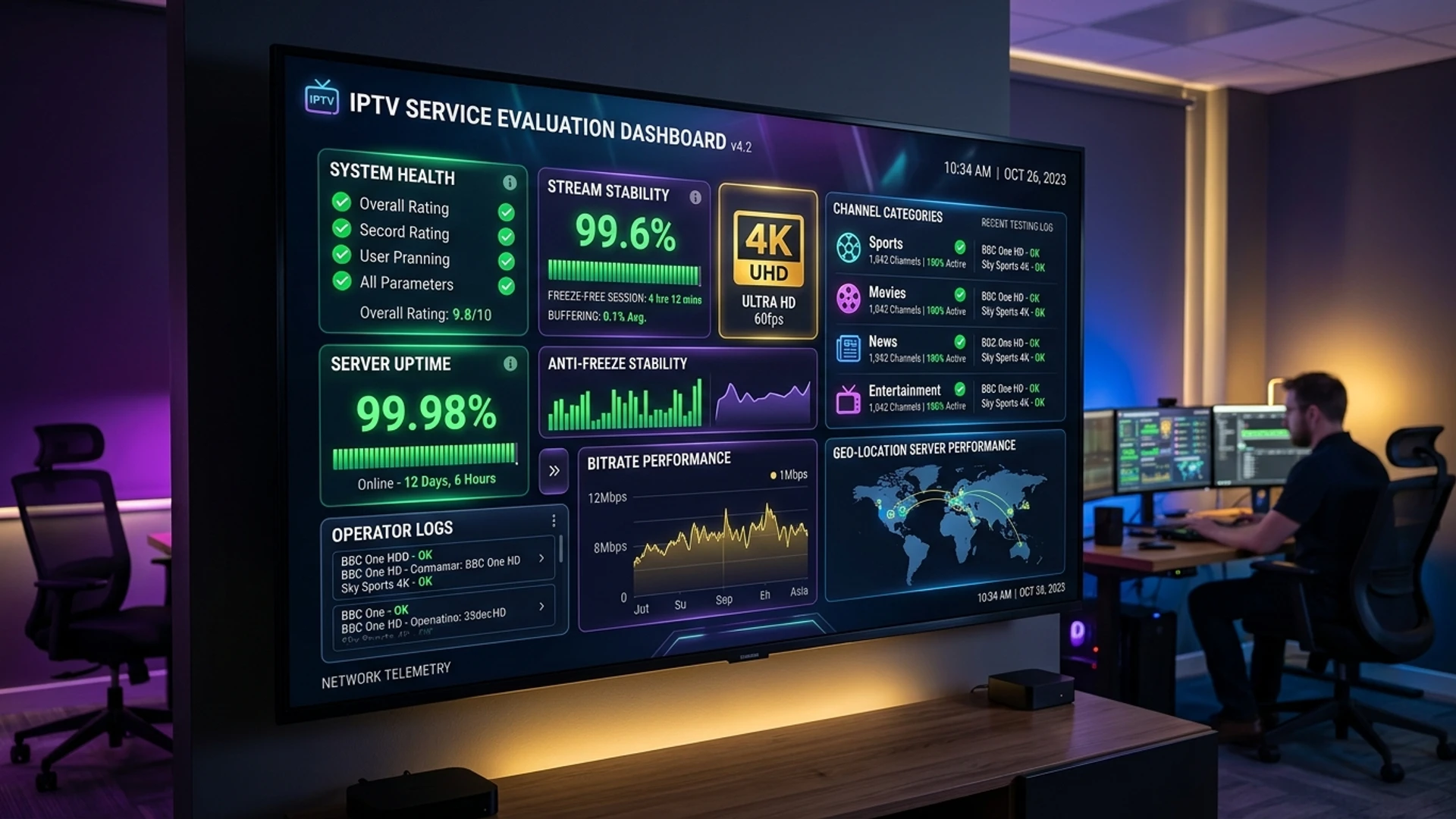
- Anti-Freeze 10.0 Match-Day Protection: Enterprise server clusters designed to absorb peak global viewership spikes during Champions League finals, El Clásico, and Super Bowl broadcasts.
- Redundant Broadcast Transponders: Every premier sports network features dedicated automated backup feeds to eliminate downtime.
- Full Multi-View Compatibility: Seamless multi-screen grid functionality across TiviMate, Apple TV, and Firestick.
- 24/7 Match-Day Support: Instant technical assistance via WhatsApp and live chat to assist you with channel finding and app configuration.
Explore our dedicated plans today on the Wizard TV Pricing page and elevate your match-day experience.
Get Ready for Match Day with Wizard TV
Instant setup on your Smart TV, Firestick, or Apple TV. Enjoy dedicated backup sports feeds, low-latency broadcasts, and 24/7 technical match-day support.
Unlock Live Sports NowFrequently Asked Questions
Conclusion
Streaming live sports with IPTV transforms how fans follow global athletics. By breaking free from expensive, fragmented cable packages and consolidating international sports networks into a unified 4K, 60 FPS platform, you gain access to every stadium, arena, and circuit across the planet.
By securing a fast, wired Ethernet connection, tuning your media player buffer for high-framerate stability, leveraging multi-view capabilities, and partnering with an infrastructure-first provider like Wizard TV, you can enjoy match day exactly as it was meant to be seen: fluid, crystal-clear, and completely buffer-free.
Ready to experience uninterrupted 60 FPS live sports streaming? Visit the Wizard TV Pricing page today and secure your front-row seat to the world’s greatest sporting spectacles.